
Graphical abstracts
A visual story across scales
A leaf, a cell concept and abstract molecular-looking forms.
Graphical abstract · Studio preview
Shape a single visual summary around the central message and stages you provide, then review the conceptual draft in the studio.
The studio creates conceptual drafts. Check scientific details and labels against your sources before using a figure.

This independently produced concept illustration is shown for visual context only; it is not an ResearchFig generation.
REAL WORKFLOW EXAMPLES
Recorded result / 02
A landscape concept with a clear three-stage reading order.
First generated concept, before guided editing.
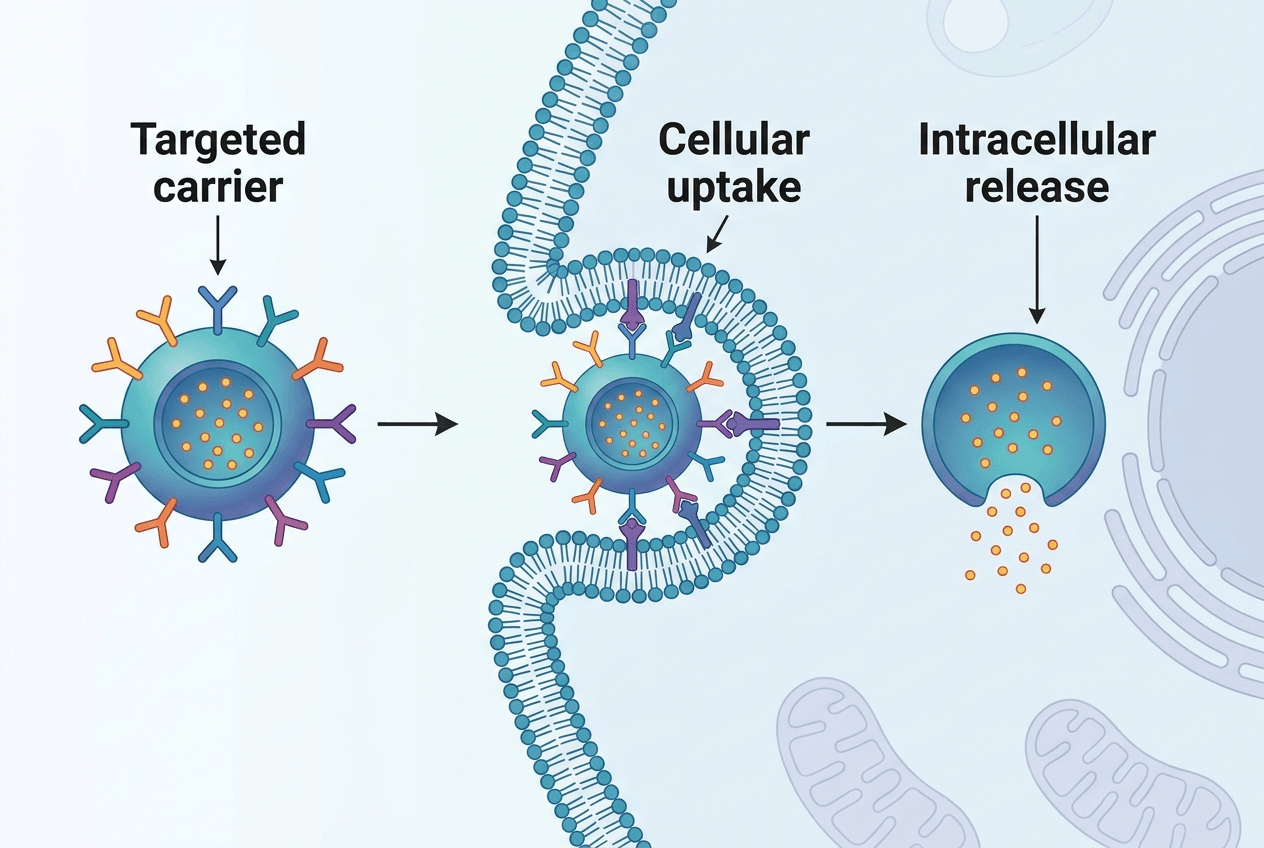
Recorded conceptual examples. Review all scientific details and surrounding pixels before use.
THE CONCEPT GALLERY
Explore landscape compositions, then bring your own research message into the studio.
A leaf, a cell concept and abstract molecular-looking forms.
A central cell with smaller supporting visual vignettes.
A scaffold, a cutaway and surface detail in one landscape composition.
Original concept artwork for visual inspiration. These samples are not validated research figures or ResearchFig provider benchmark results.
START WITH THE FIGURE YOU NEED
Choose a composition, add the science you want to show, then take the brief into the studio. Each starting point asks different questions.

Make sure the final panel expresses your supplied conclusion, including its limitations, rather than a model-invented result.
Independent concept artwork · not an ResearchFig generation resultA focused starting point
Open the shared studio with this figure type already selected. Your prompt and optional reference stay under your control.
State the main point and the few stages that support it; the figure should reflect the context you provide.
An optional PNG or JPG can guide the visual direction. The current studio does not read paper PDFs.
Confirm that each visual relationship reflects your source. The draft is not evidence extraction or a validated result.